

Device Setup & Account Configuration
Understand OS installation, secure password management, multi-user permissions, and account isolation before powering up a shared device.
A new device can be exciting until setup, connectivity, software, or compatibility problems get in the way. GeekCalifornia.com explains common technology-support topics in plain language so you can understand what may be involved before you contact a service provider.
Learn how to describe a problem, prepare for support, protect your data, compare common service types, and identify the official resource for your next step. This website provides general information. It does not sell devices, schedule Geek Squad appointments, or represent Best Buy.

Practical guidance to assess your technical needs before contacting a support technician.
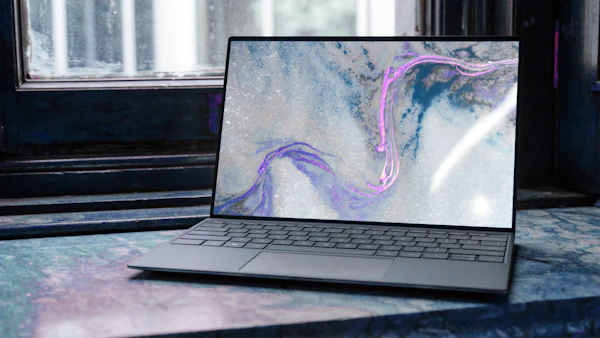
A setup request may include connecting a device, installing updates, creating or signing into an account, moving selected files, pairing accessories, and learning essential settings. Make a clear list of what you need configured before booking.

Causes range from storage bottlenecks and overheating to background programs and hardware faults. Note down exact error prompts and timestamps, and avoid unsolicited browser cleaner tools.
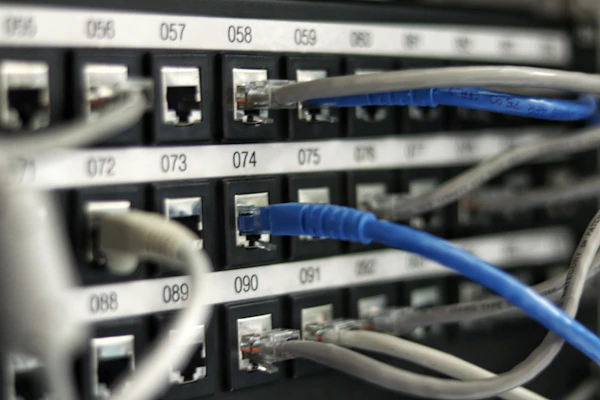
Interference, device density, router position, and firmware issues affect wireless signals. Identify whether dropouts affect multiple devices or a single location before calling your provider.

Modern workspaces and smart-home ecosystems rely on varying connectivity standards. Map out your apps, power demands, and compatibility expectations before undertaking complex installations.

Backups are far safer than emergency recovery. Maintain offline copies of essential data. If a mechanical storage drive clicks or fails to mount, stop read/write attempts to prevent media wear.
Organize facts, determine appropriate support categories, and avoid common technical mistakes.
Understand OS installation, secure password management, multi-user permissions, and account isolation before powering up a shared device.

Learn how to distinguish between localized hardware degradation, physical wireless blockages, and internet service provider disruptions.
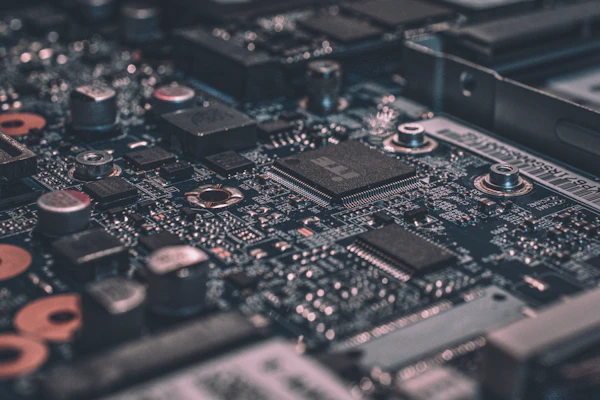
Distinguish genuine physical hardware breakdown from software bugs, background indexing, malware, and failing drive sectors.

Prepare authenticators, verify account locks, and create independent cloud archives before submitting a mobile device for battery or screen repairs.

Map receiver inputs, eARC audio protocols, and signal lines prior to modifying cable runs or wall installations.
Recognize fraudulent browser alerts, unexpected caller protocols, and verify legitimate administrative authentication methods.
A few minutes of structured preparation makes any support request more efficient, helping you evaluate provider claims before authorizing charges.

Record what you expected to happen, what happened, the first trigger time, and whether problems reproduce consistently. Note exact error codes.
Note manufacturer, model numbers, OS builds, and photograph physical cable configurations prior to moving devices.
Gather invoices, service records, and check warranty terms to verify what repair or accidental coverage is active.
Create independent file backups and remove confidential items from accessible folders prior to third-party diagnostic evaluations.
Clarify diagnostics fees versus bench labor, part allocations, cancellation terms, and warranty period coverage before consenting to work.
Quick facts concerning service preparation, provider transparency, and this informational platform.
No. GeekCalifornia.com is an independent informational website. It is not owned, operated, sponsored, or endorsed by Best Buy or Geek Squad.
No. We do not process work tickets or schedule appointments. Please visit the official Best Buy support portal directly for booking.
No. Repair prices depend strictly upon individual hardware specs, location, component parts, and active coverage. Always request written scopes from the provider.
Never permit unprompted callers or pop-up notices remote access to your computer. Only initialize remote sessions that you explicitly scheduled through verified portals.
Manufacturer warranties typically cover component defects rather than physical mishaps. Review retailer service agreements or protection plan clauses for accurate coverage.
Official scheduling, status checks, and support lines are maintained exclusively on BestBuy.com.

GeekCalifornia.com publishes educational content about consumer technology. We focus on the questions people often have before requesting help: What type of support might I need? What information should I gather? How can I protect my files and accounts? What should I confirm before authorizing work?
Our content is written for general educational use. It is not a diagnosis, repair quote, warranty interpretation, legal opinion, or substitute for instructions from a manufacturer or service provider.
Brand Disclosure: Geek Squad is a Best Buy brand. GeekCalifornia.com uses the name only when discussing the subject of its informational content and does not imply sponsorship, authorization, or endorsement.
Contact GeekCalifornia.com regarding editorial clarifications, guide updates, or site corrections.
For immediate support questions or technical inquiries, reach our helpline directly:
+1-843-501-6182This is an independent informational website. This contact form is not an official Geek Squad or Best Buy support channel. We cannot book service visits, track ongoing store repairs, or look up order accounts.

For current service categories, appointments, repair status, order questions, or protection plans, visit official channels directly: